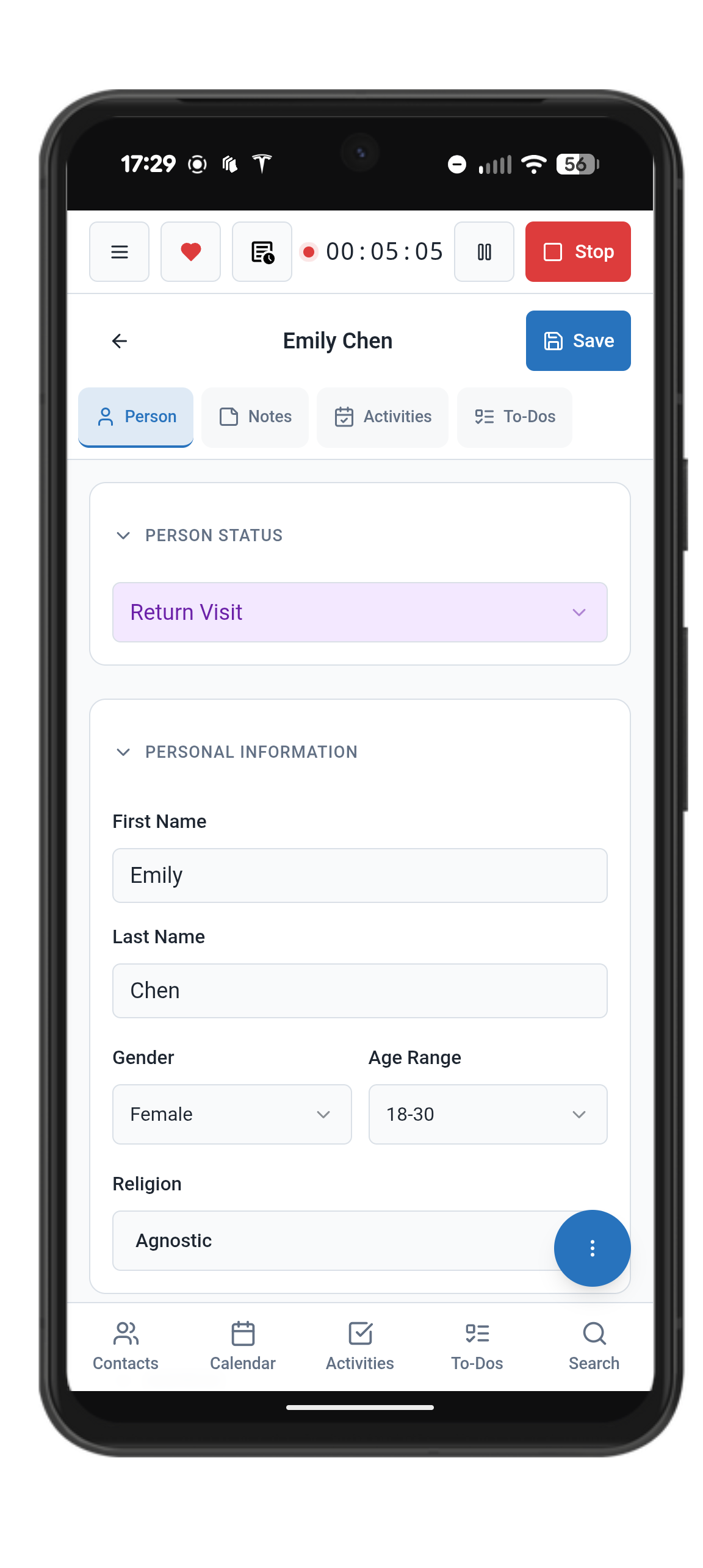
Working with Contacts
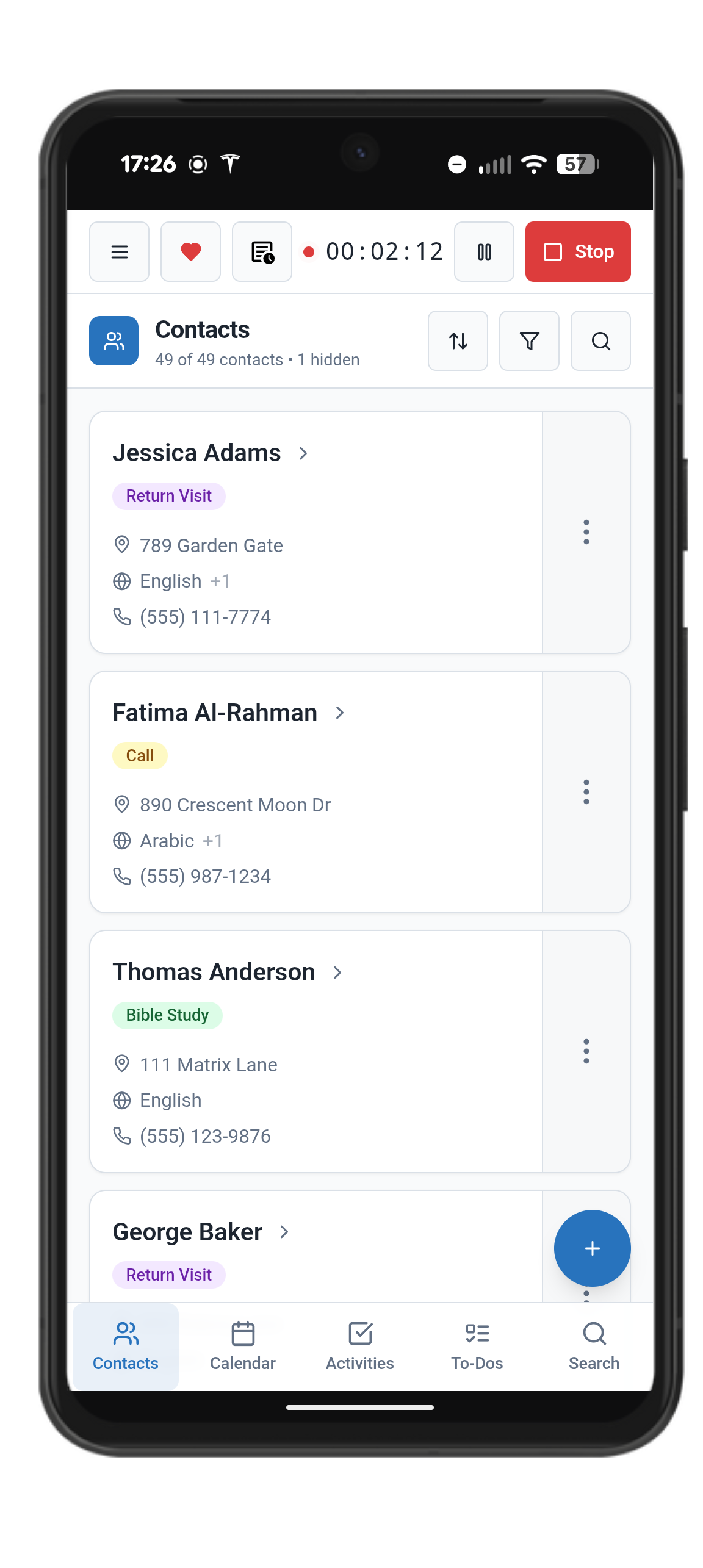
Adding a new contact.
Met someone new? To plan activities or make notes, you’ll want to first create a contact. To add a contact, just:
Go to Contacts using the bottom navigation button
Click the + button on the bottom left
Fill in what you know in the fields. At a minimum, you should input a first and last name, but no fields are mandatory.
Addresses, phone numbers, and email addresses
As you add a new contact, make sure you add important contact information like Address, phone numbers, and even email addresses. Field Notes will use your device’s default applications for navigation, phone calls, and text messages.